For B&B owners, hotels and local guides
The guest guide that
already knows the area.
Your guest gets one link: the neighbourhood around your front door, with photographs, a map and a day plan — written in the language they read. Your name, your colours, on their phone and working offline. You do not have to write any of it.
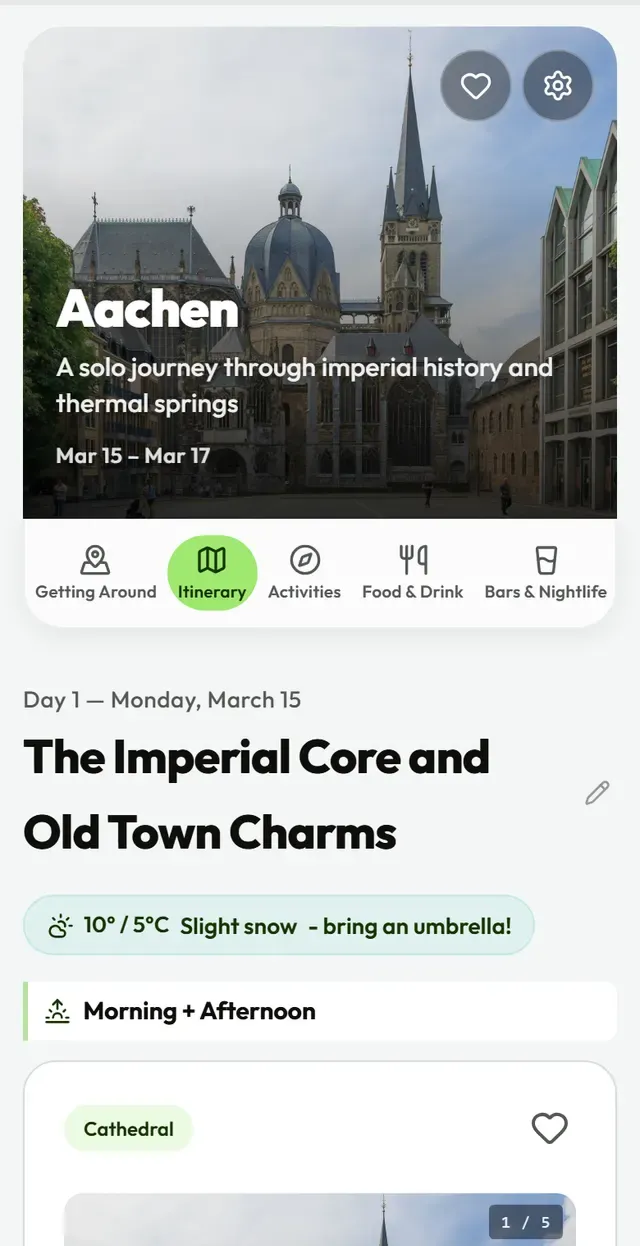
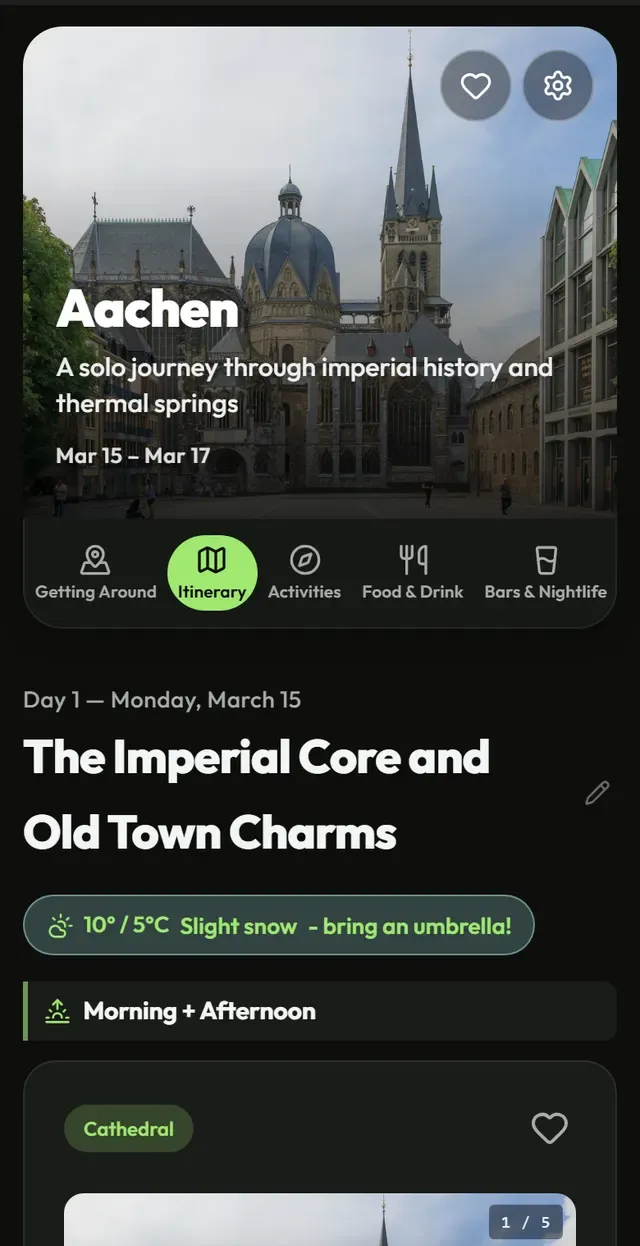
 Thomas Wolf, www.foto-tw.de · Wikimedia Commons · CC BY-SA 3.0
 kallerna · Wikimedia Commons · CC BY-SA 4.0
 Miroslav.vajdic · Wikimedia Commons · CC BY-SA 4.0
 Marc Ryckaert (MJJR) · Wikimedia Commons · CC BY 3.0
 VidiVeni AI · AI impression
Who it is for
Three kinds of host, the same question at breakfast.
“Where can we eat tonight?” You answer it every morning, from memory, in whatever language the table speaks. This answers it once, properly, before they arrive.
B&B owners
Stop answering “where can we eat?” over breakfast. One QR code in the room, and the neighbourhood is already explained — in the language at the table.
For B&BsHotels
The desk hands over a guide with the booking. Colleagues have their own logins, and what guests report comes back to you instead of to a review site.
For hotelsLocal guides
The tour does not have to end when the tour ends. Send your group off with your own picks and your own name on them, in the language you just spent three hours speaking.
For guides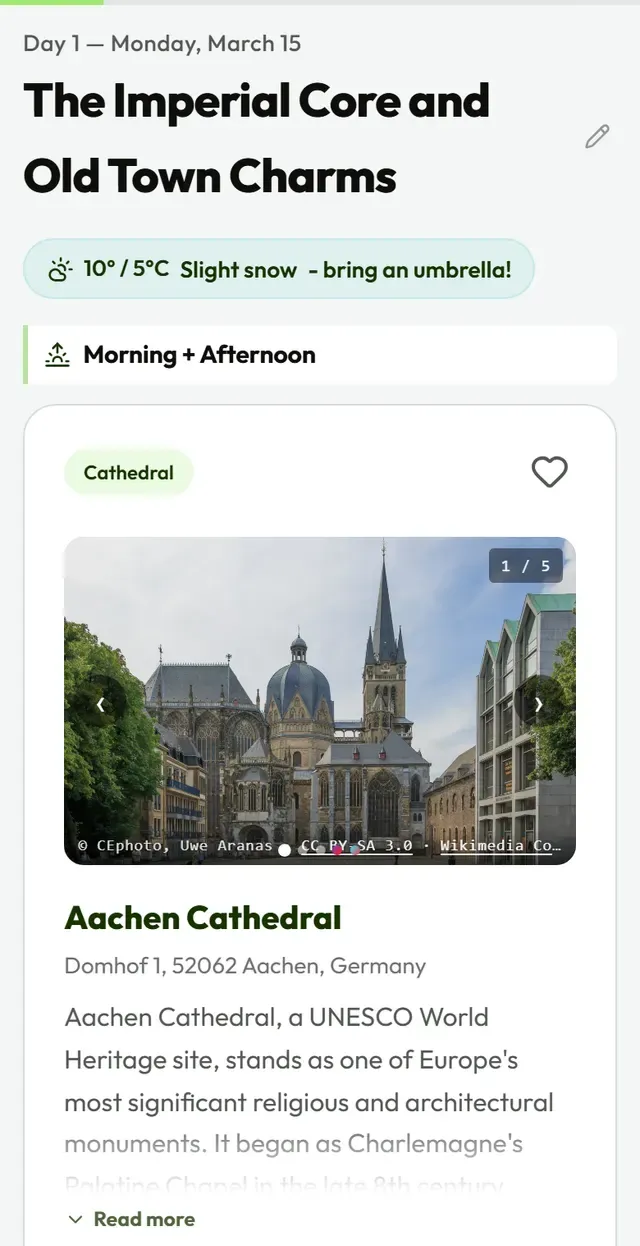
Demo
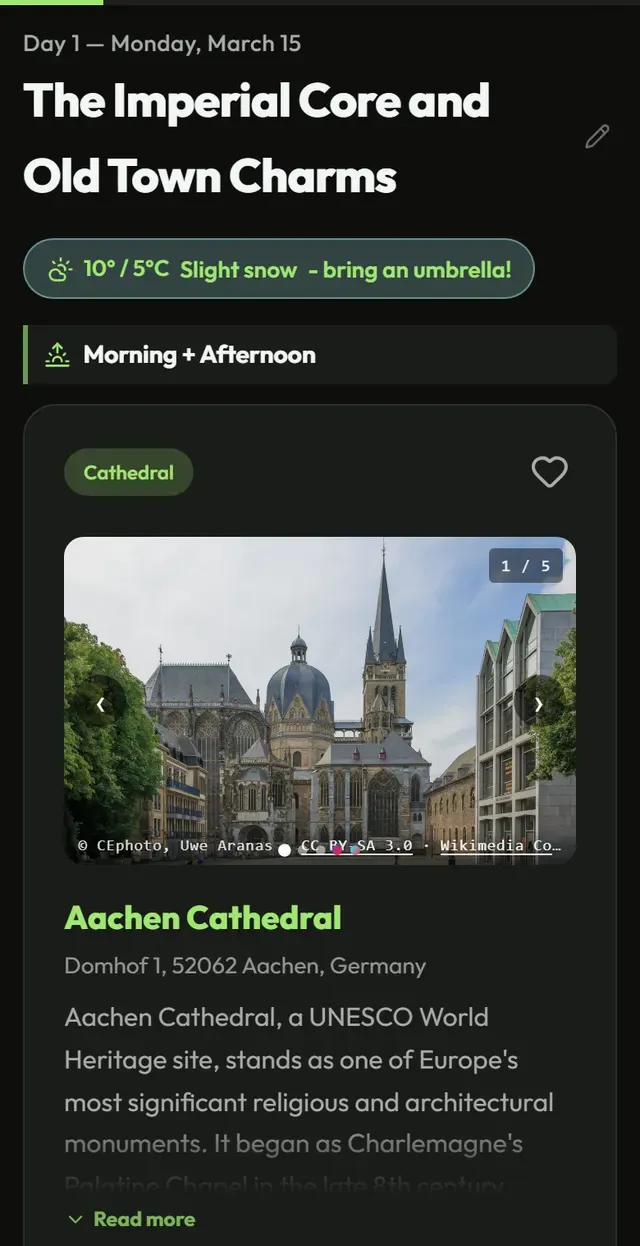
This is what your guest opens.
A still of a real guide. When a live one is published it runs right here — and any guide link opens the same way on a phone.
The catalogue
Your city is already in it.
Hundreds of cities carry a checked list of places — restaurants, sights, bars — each with a photograph, a place on the map, a description and a practical tip. Websites are re-checked every month and anything that has closed for good is left out of every guide made afterwards.
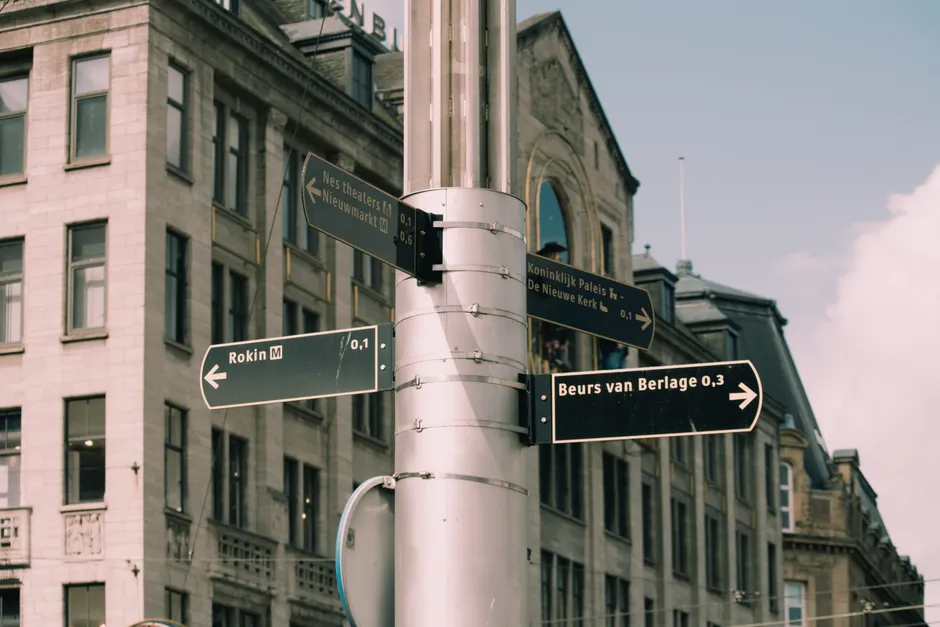














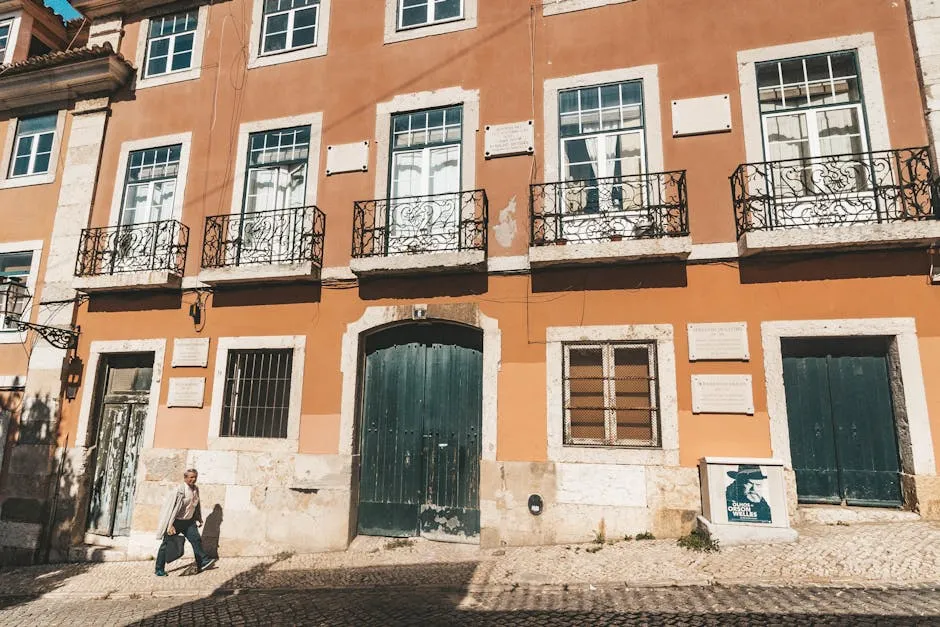








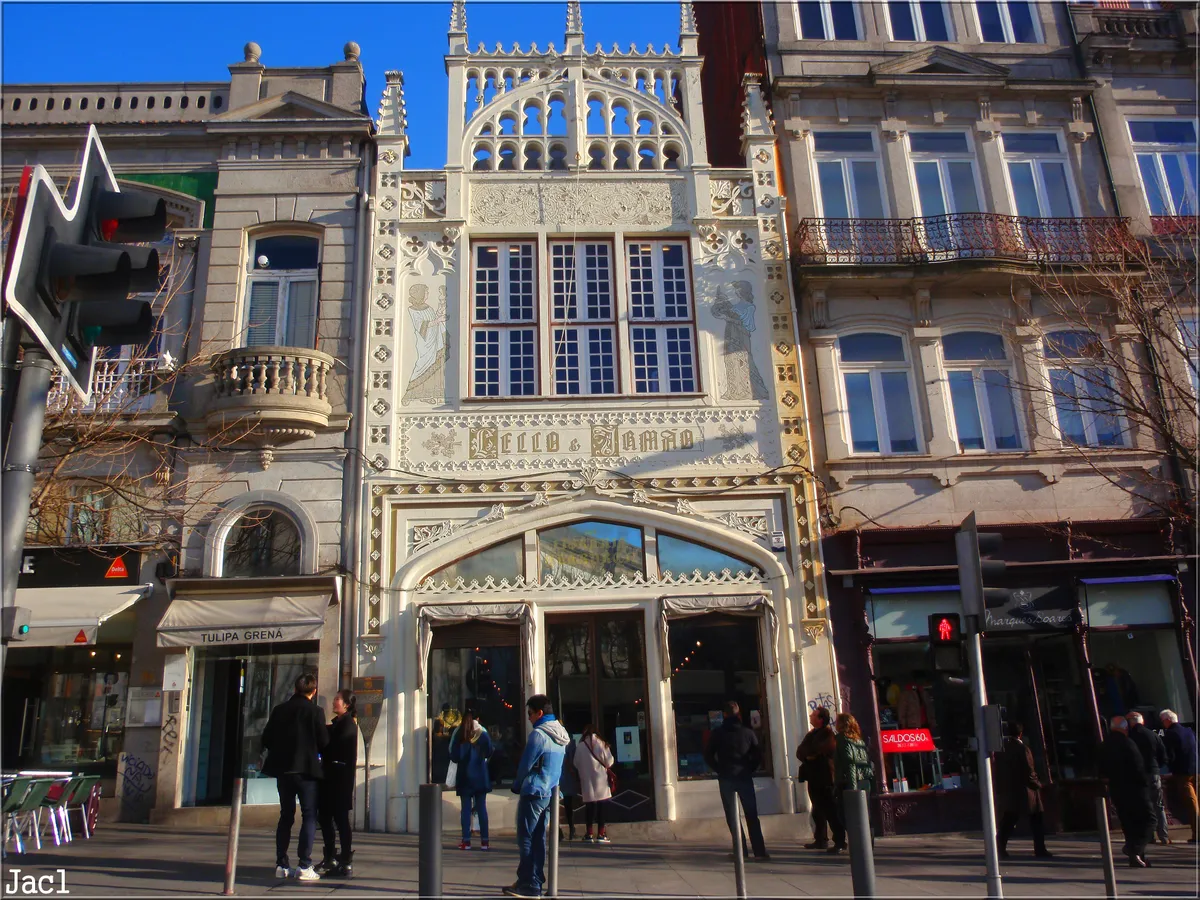


























-
 Eiffel TowerVidiVeni AI · AI impression
 - Belfort van BruggeAdiel lo · Wikimedia Commons · CC BY-SA 3.0
- Wawel HillJar.ciurus · Wikimedia Commons · CC BY-SA 3.0 pl
- Real Alcázar de SevillaAjay Suresh from New York, NY, USA · Wikimedia Commons · CC BY 2.0
- VasamuseetAd Meskens · Wikimedia Commons · CC BY-SA 4.0
- DomtorenMassimo Catarinella · Wikimedia Commons · CC BY 3.0
- Mercato di Rialtokallerna · Wikimedia Commons · CC BY-SA 4.0
-
 Osaka CastleVidiVeni AI · AI impression
Lisbon
Portugal Amsterdam
Netherlands
Riga
Latvia Florence
Italy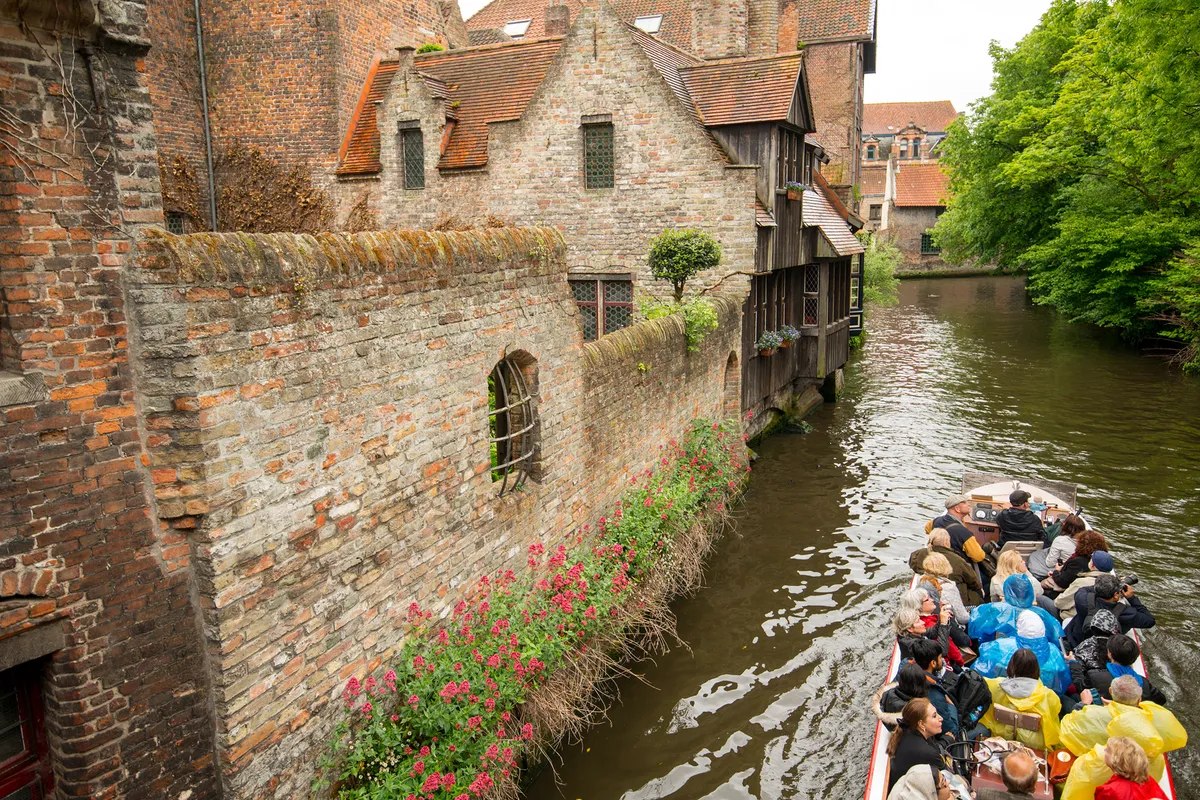
Bruges
Belgium Edinburgh
Scotland Prague
Czechia Dubrovnik
Croatia
Barcelona
Spain
Athens
GreeceSomewhere that is not in it yet? Ask, and we build it.
From a booking to a guide, before the coffee is cold.
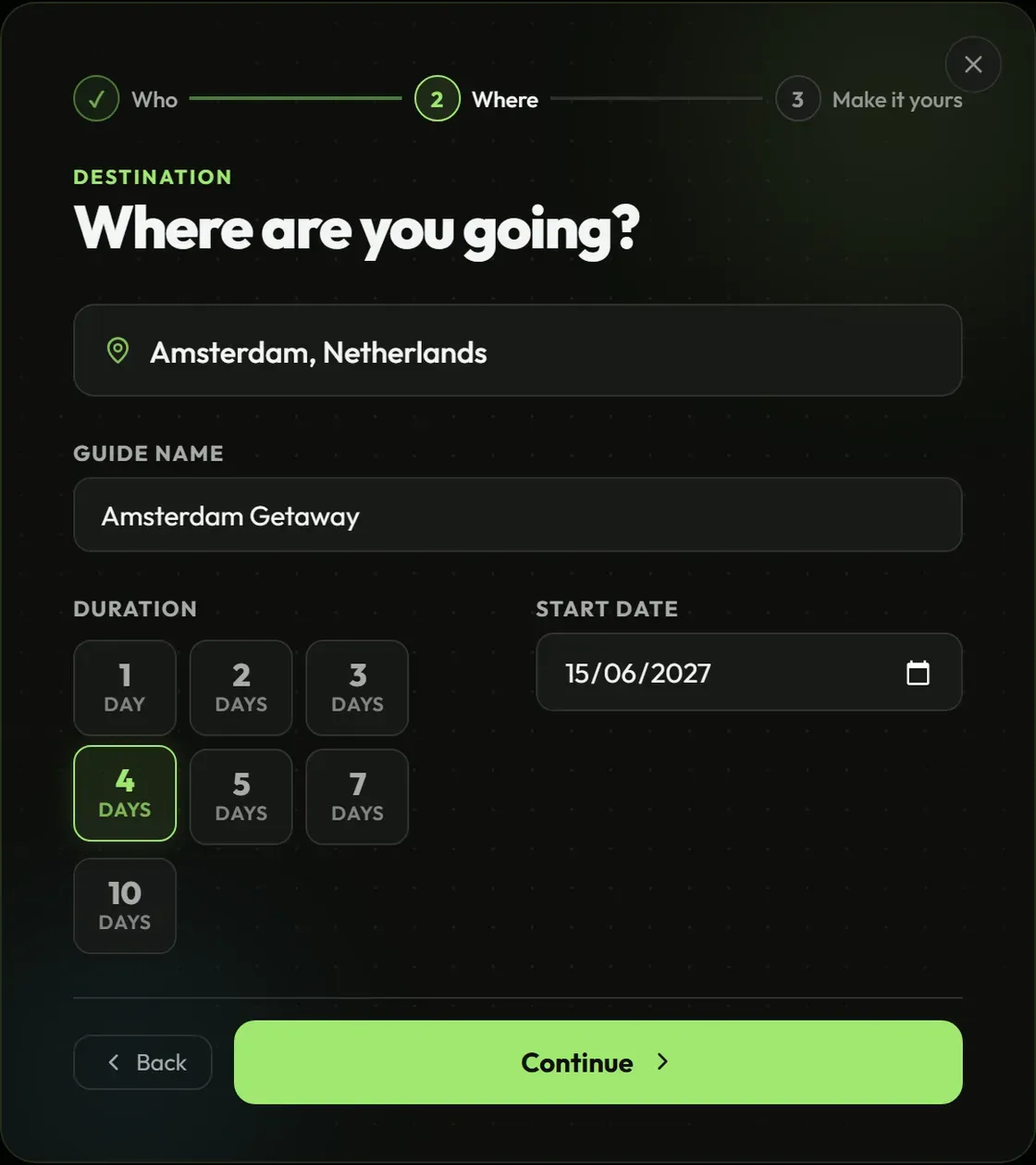
Say where and when
Your town, the dates of the stay, how many nights. That is enough to start.
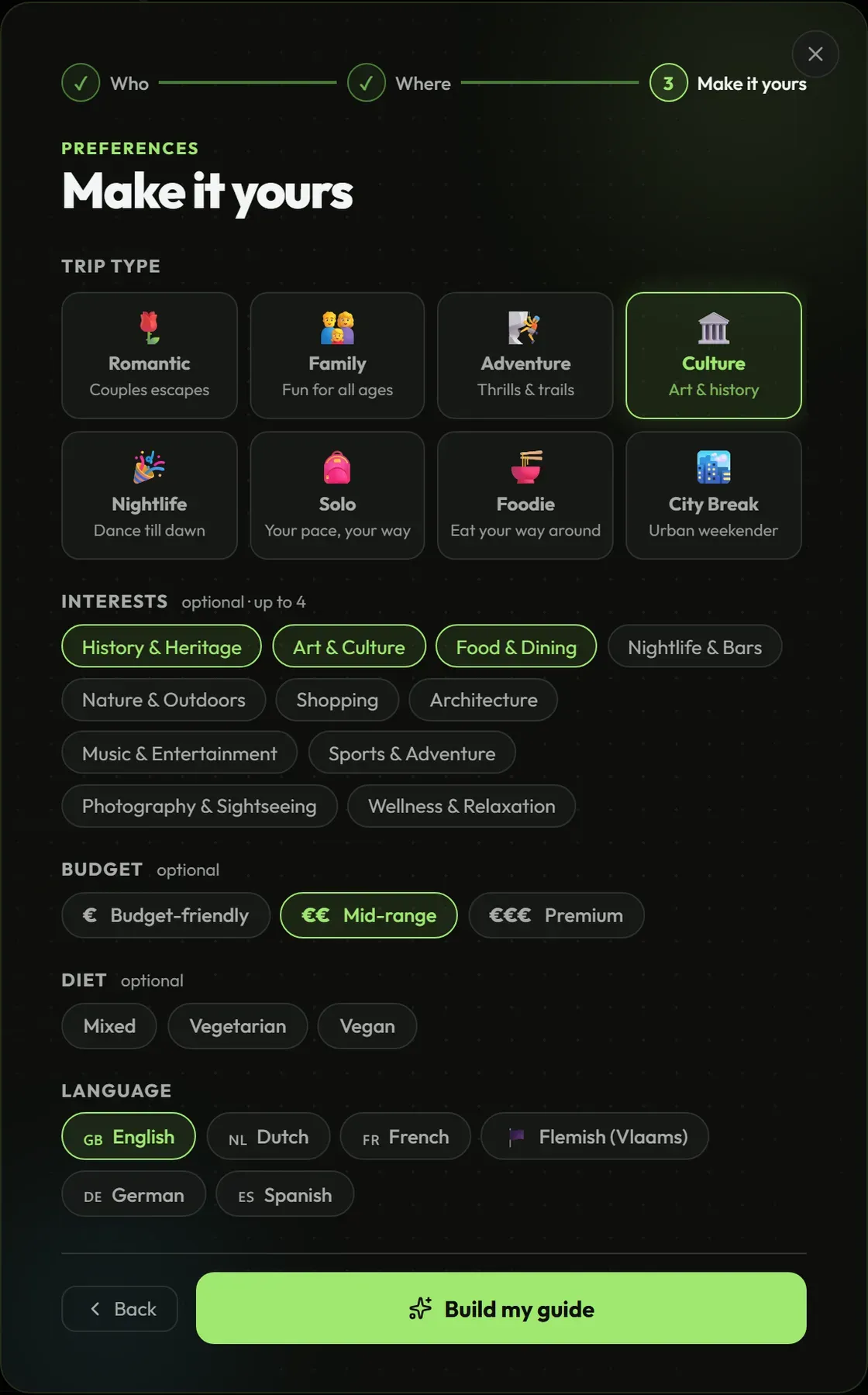
Say who is coming
Two people, a family, a group. What they are here for, and which of the six languages they read. The plan is shaped around that.
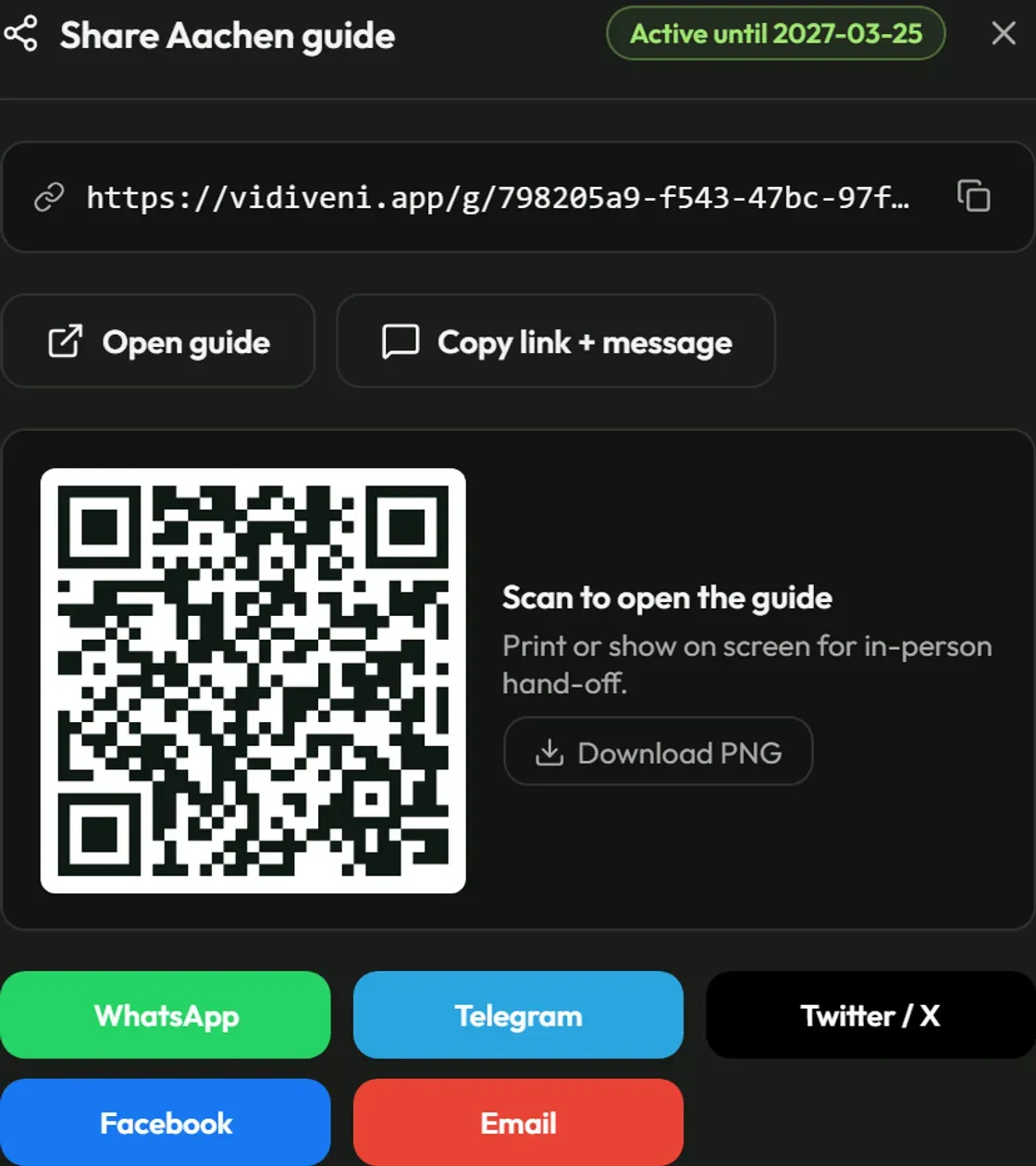
Check it, then share it
Swap anything you would not send a guest to yourself. Then hand over the link, or print the QR code and hang it in the room.
Fair questions.
What is a guest guide, exactly?
A small app your guest opens from a link: the places around your door, each with a photograph, a spot on the map, a short description and a practical tip, laid out as a plan per day. Your name, your logo and your colours are on it. You share it as a link or as a QR code in the room.
Does my guest have to install anything?
No. It opens in the browser like any page. One tap adds it to their home screen, after which it behaves like an app they downloaded — except there was no store and no account.
Which languages can a guide be in?
Six: Dutch, English, German, French, Spanish and Flemish. A guide is written in one of them, chosen when you make it, so a German guest reads German the whole way through rather than a translated version of something else.
Does it work without a connection?
Yes, once it has been opened. The text, the photographs and the map are stored on the phone, which is the point: your guest is out walking, in a metro, or on a foreign data plan.
Who decides what is in it?
You do, last. It is assembled from our checked catalogue of real places, and you can swap or remove anything before you send it. After you send it the guide stops changing, so what your guest reads on the last evening is what you handed over on the first.
Does it carry my name or yours?
Yours. Your logo, your two colours and the support address guests write to are stamped onto a guide at the moment it is made and stay there. Change your branding later and new guides pick it up, while the ones already on a phone stay exactly as you handed them over. The “Powered by VidiVeni” line at the foot can come off — ask, and we switch it off for your account.
What does it cost?
Nothing for the first hosts, for the length of the pilot. What we want back is your honest opinion, a sentence we may quote, and permission to show your guide. Prices are set after the pilot, with the hosts who ran it.
 Zairon · Wikimedia Commons · CC BY-SA 4.0
 We make the first one with you.
Every host is set up by hand while the pilot runs. We make the account, build the first guide with you on the call, and you keep it.
Request a demoAlready have an account? Sign in