For freelance local guides
The tour ends. The city does not.
You just spent three hours being the most useful person in someone’s week, and then they walk off with a paper map. A guide keeps you in their pocket for the rest of the trip, with your name on the front.

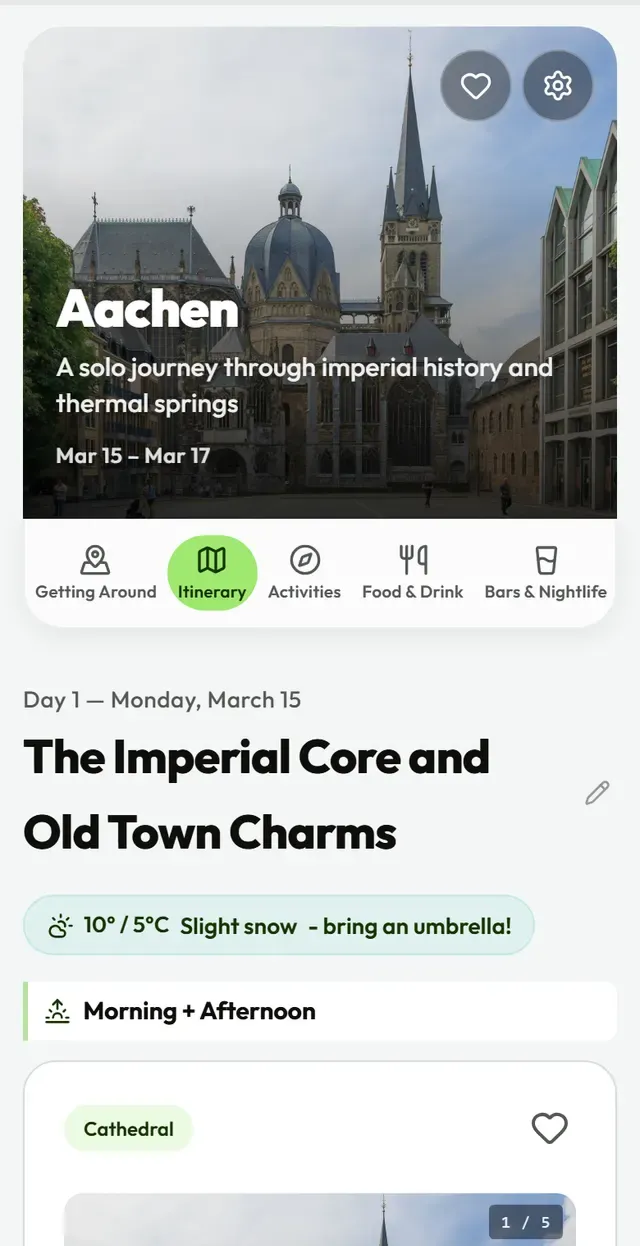
People ask you the same question at the end of every tour: so where should we go tonight? You answer it standing on a corner, and by dinner they have forgotten half of it.
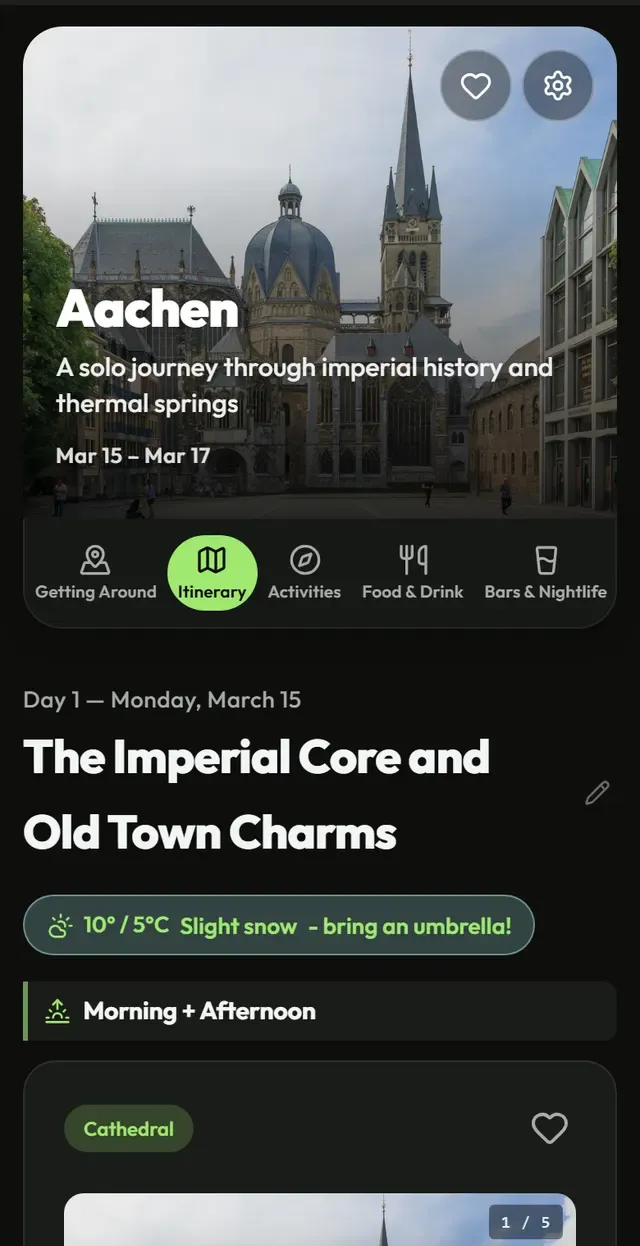
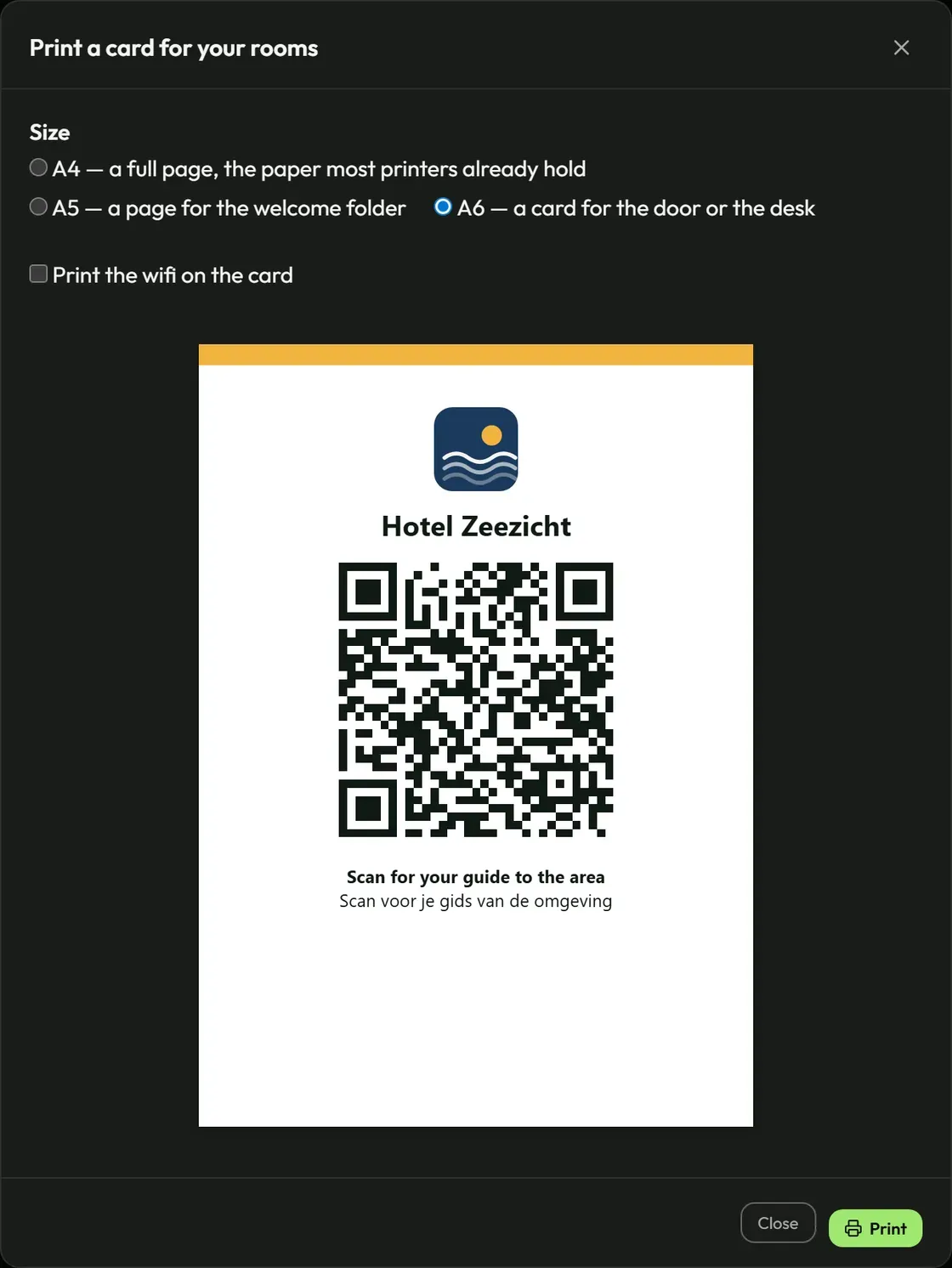
Hand them something instead. One guide for your tour, for every group you will ever take out: you make it once, and the card with the code comes along every day. It is written in the language you gave the tour in, it carries your name and your colours, and it works when their phone has no signal.
What you get for your tour
One guide for your tour, for every group
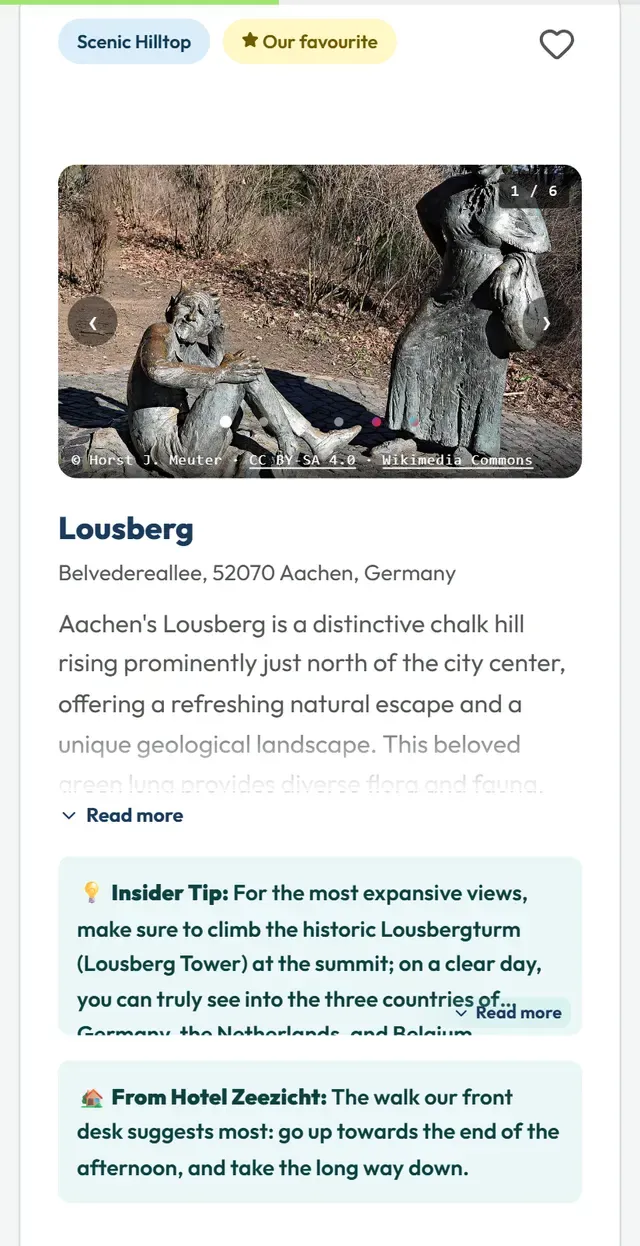
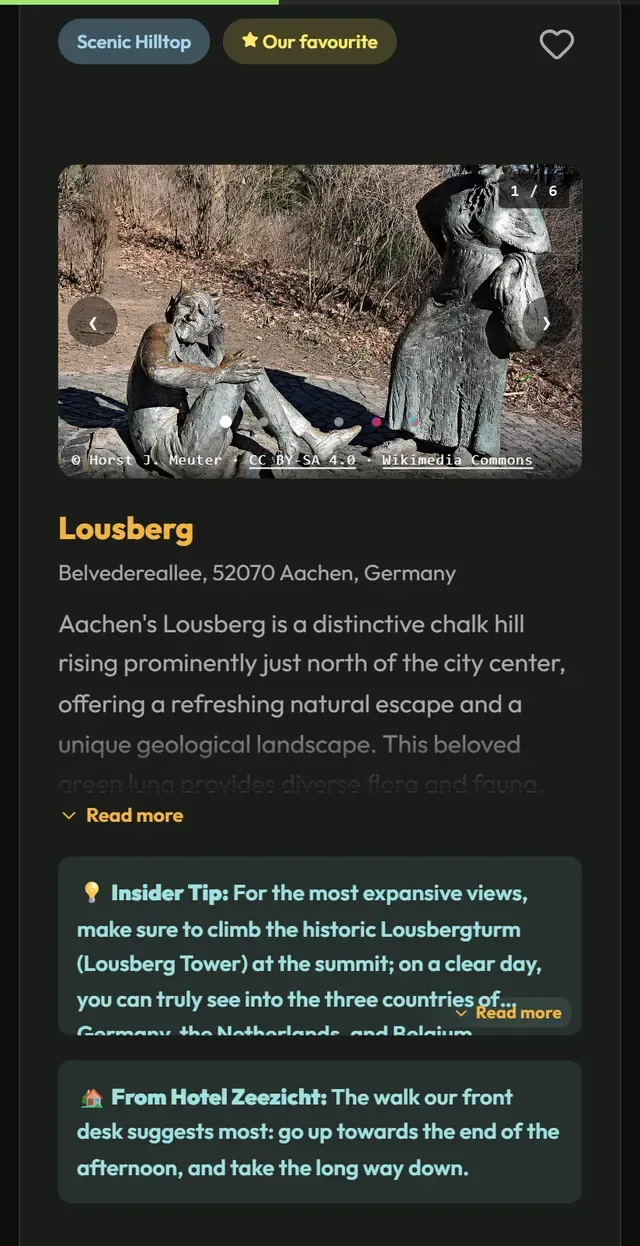
The city you show people round, with your own words at the top; every place from our catalogue has a photograph, a spot on the map and a practical tip. It has no dates and does not expire, so you make it once and hand it to every group that comes along.
One QR code for all your groups
Send the link ahead with the booking confirmation, or hold the card up at the end of the tour: whoever scans the code has the guide, in their own language if you have it in more than one. Add a language later and the same card offers it.
Your own note, for your group only
Behind that code sits whatever you write for the people on your tour alone: where and when you meet, what to bring. Your public page and the ordinary share link never show it.
Your favourites, in the guide and on your page
From our catalogue you pick the places you would send your own group to; their photographs make the cover of your guide. In the guide they carry the label “Our favourite”, with a line of your own if you like. Your tour also gets a public page with your own words, your favourites and, if you like, links to your own website, to where your tour can be booked and to your listing on a map. Link to it from your website; search engines find it only once you want them to and we have checked it.
In the language you gave the tour in
You choose from Dutch, English, German, French, Spanish and Flemish, and adding a language costs nothing extra. The descriptions, the tips and the buttons are in that language, and your own words are translated into it automatically, a translation you can correct. Once opened, the text stays on the phone, which matters more to a visitor on a foreign data plan than to almost anyone else.
You check it, and your name is on it
Your logo, your colours and your own email address, all set by you. If there is a place in it you would not send your own group to, you take it out; beyond that, nobody rewrites your guide. If a group is staying a few days, you can make them a guide for their own dates as well.
How often your guide is opened
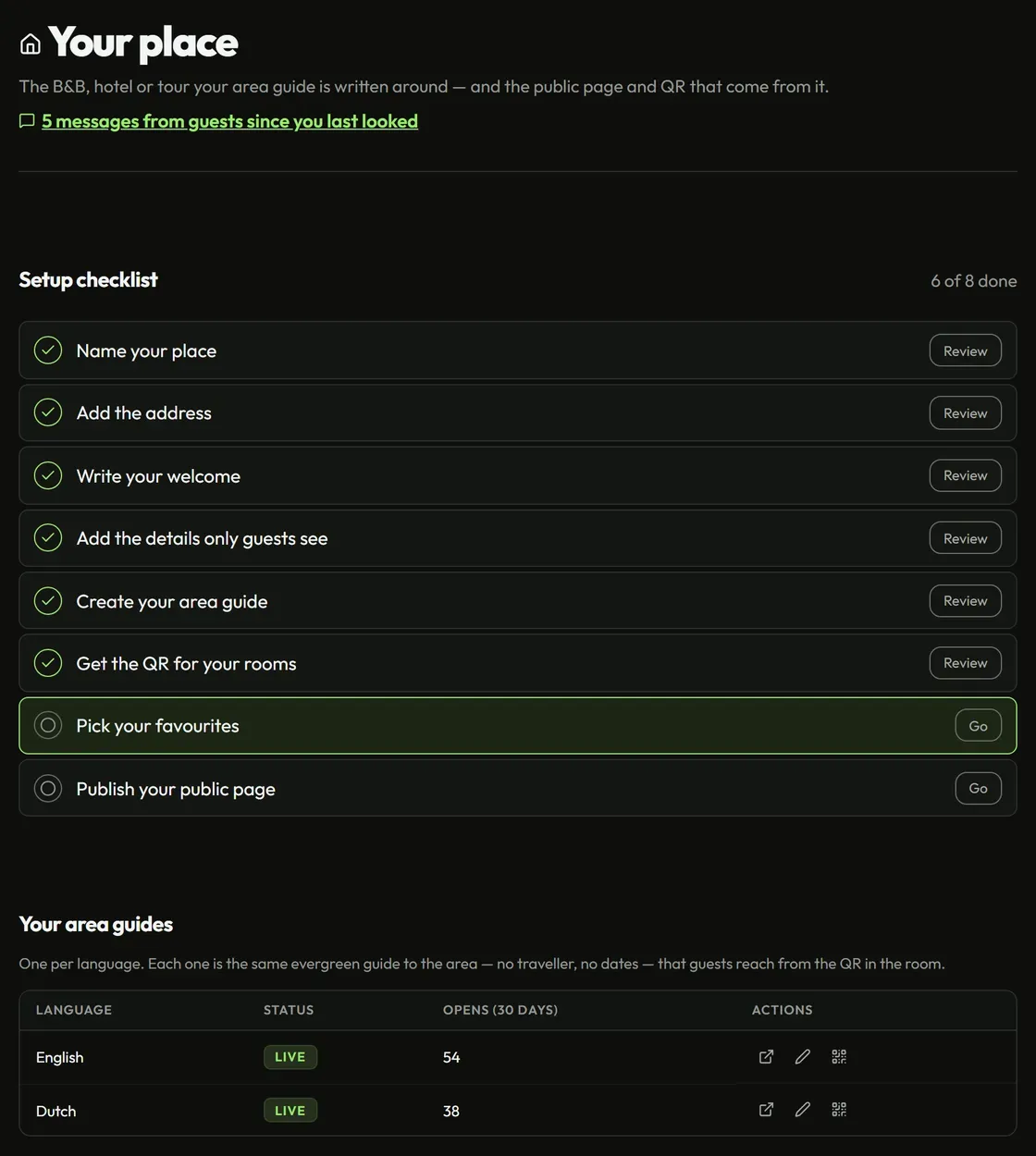
You see how often your tour’s guide was opened in the last thirty days and when it was last opened — counted without knowing who, so no one on your tour is followed.
What it cannot do yet
Worth knowing before you start:
- Your own web address. Your guide lives at a vidiveni.app address. You cannot connect a custom domain of your own yet, such as guide.yourhotel.com.
- What your own places do not have yet. Your own places now have a photo if you add one, a check on whether their website still answers and, if you want, a spot on your own page that anyone can find. Two things are still missing: we do not check whether such a place is still open — what guests report about one comes to you — and on that page it shows without its address, link or photo.
- Picking a plan yourself. There is no checkout. We agree your plan together and set it up for you; to change it, you send us a message.
- A connection to your booking system. There is no API yet, so your booking system cannot make guides on its own. You make a guide for a booking in the dashboard, in one step.
All of it is on the roadmap. If you need one of them, tell us — what hosts ask for most gets built first.
Getting started
Try it on the tour you give most.
Ask for a demo. We have a guide for your city ready beforehand, in the language you work in, and on the call we go through it together.
Request a demo